
 Windows
 macOS
macOS iOS
iOS Android
JCCZZ
Android 15 | High-FPS gaming | Keyboard and gamepad controls | Multi-instance tools
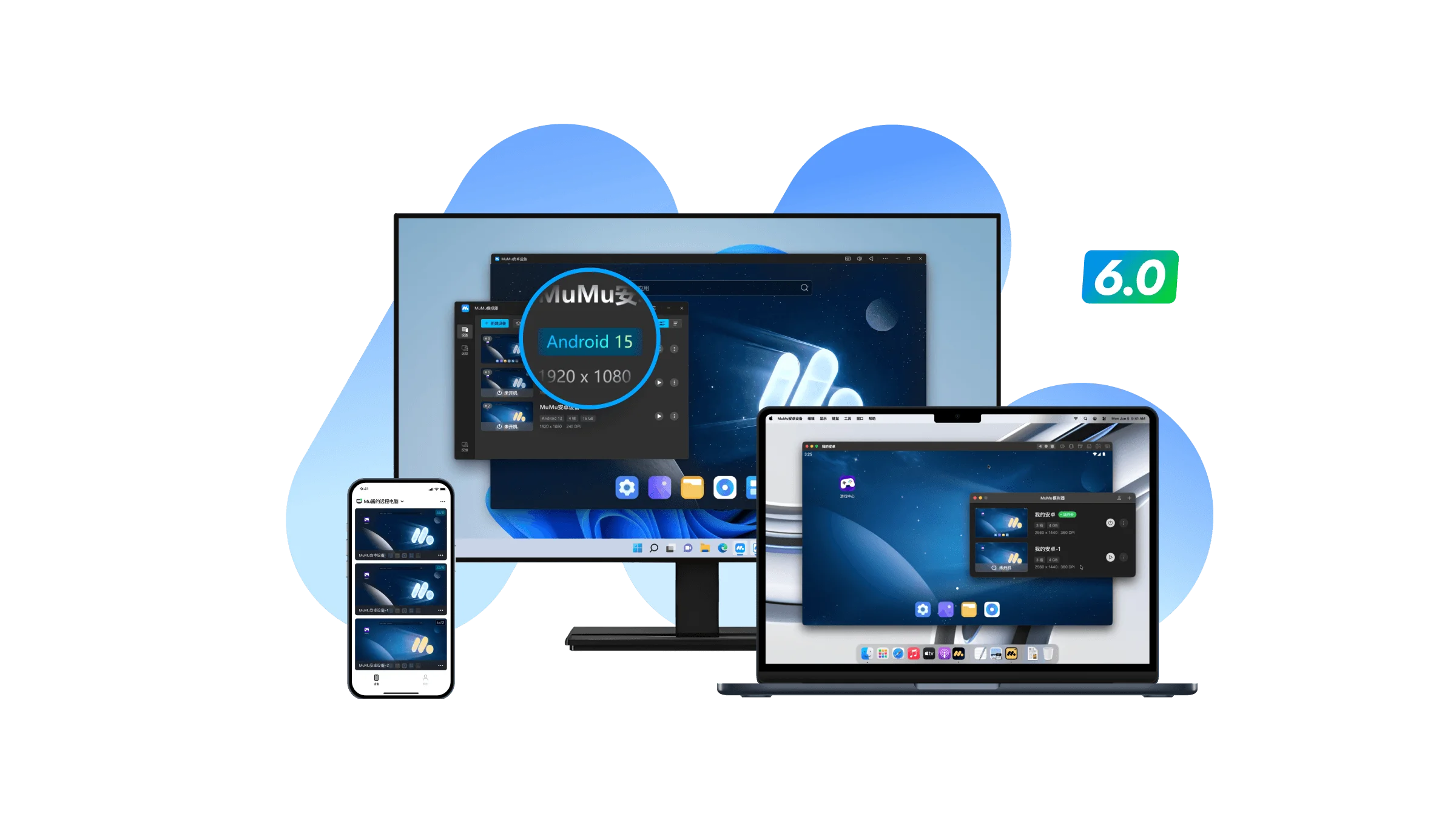
Run Android games and apps on Windows, Windows on Arm, and Apple silicon Macs, then use Pocket MuMu on iOS or Android to access supported Windows sessions remotely.
Bring strategy, action, RPG, and anime-inspired games to your desktop with sharper visuals, customizable keyboard and mouse controls, gamepad support, and performance settings tailored to your computer.


Android 15 provides a current foundation for running supported mobile games and applications while MuMuPlayer continues to improve compatibility across popular titles.
Map touch controls to desktop inputs, customize key layouts for different genres, and build a control scheme that feels natural on a larger screen.
Create separate instances for different games, apps, or configurations, then use synchronization tools to reduce repetitive input across selected windows.
Creators and players use MuMuPlayer to move mobile games to a larger screen, customize controls, manage multiple instances, and tune performance for their hardware.
Find answers about supported platforms, Android versions, game compatibility, performance settings, controls, multi-instance tools, and Pocket MuMu.
Choose MuMuPlayer for Windows, Windows on Arm, or Apple silicon Mac, then tailor graphics, controls, and instances to the way you play.